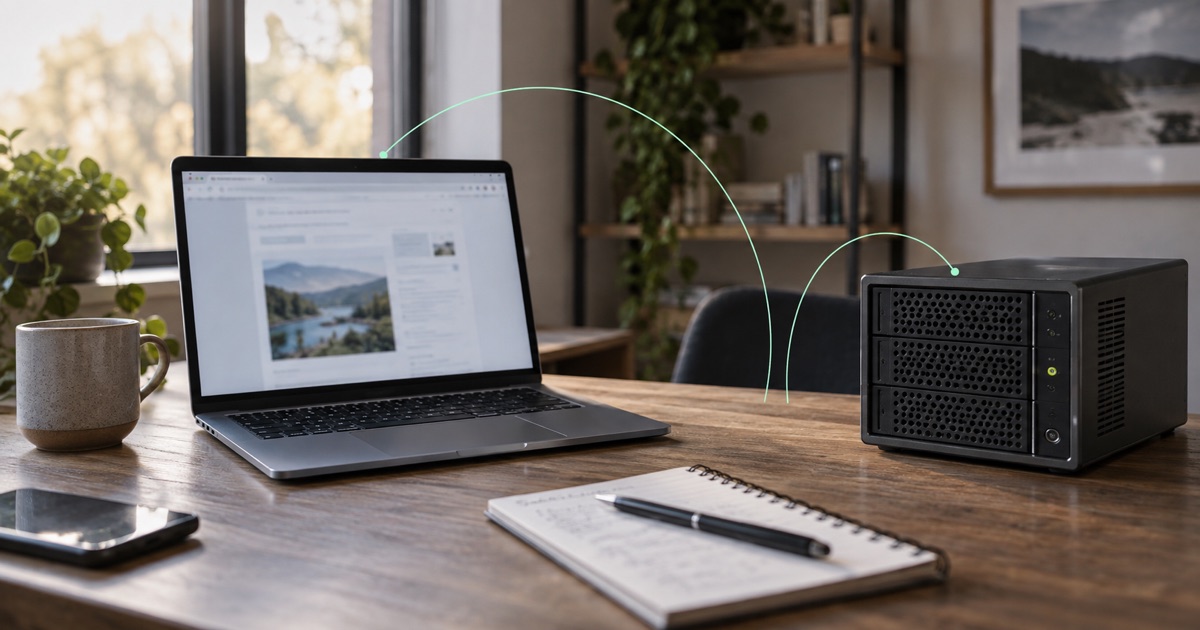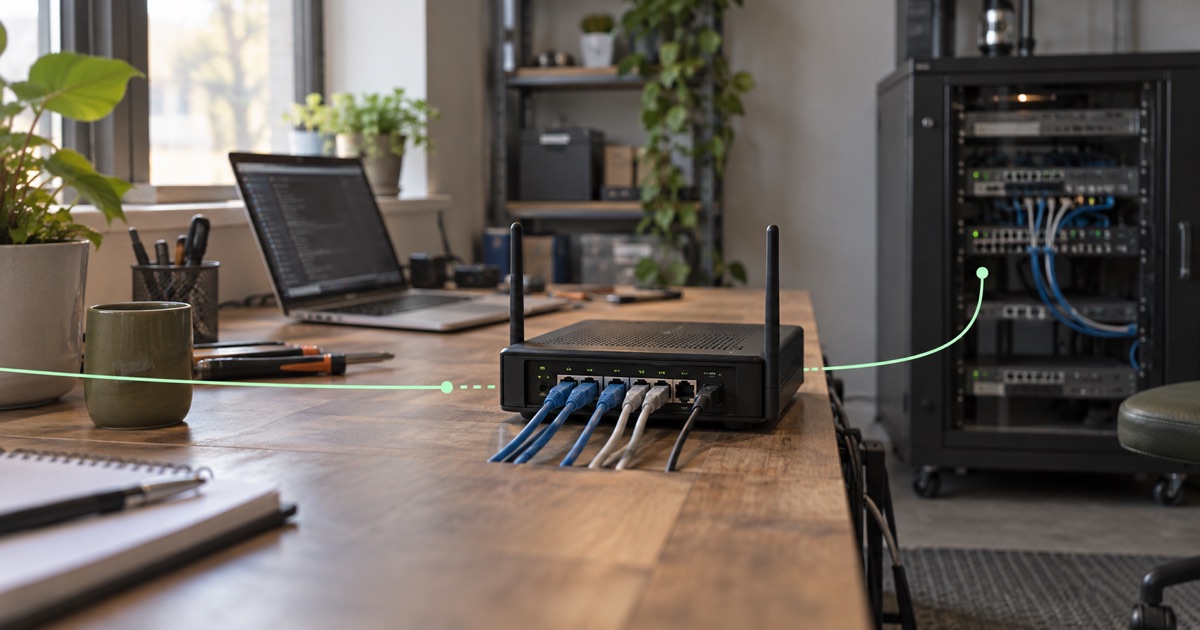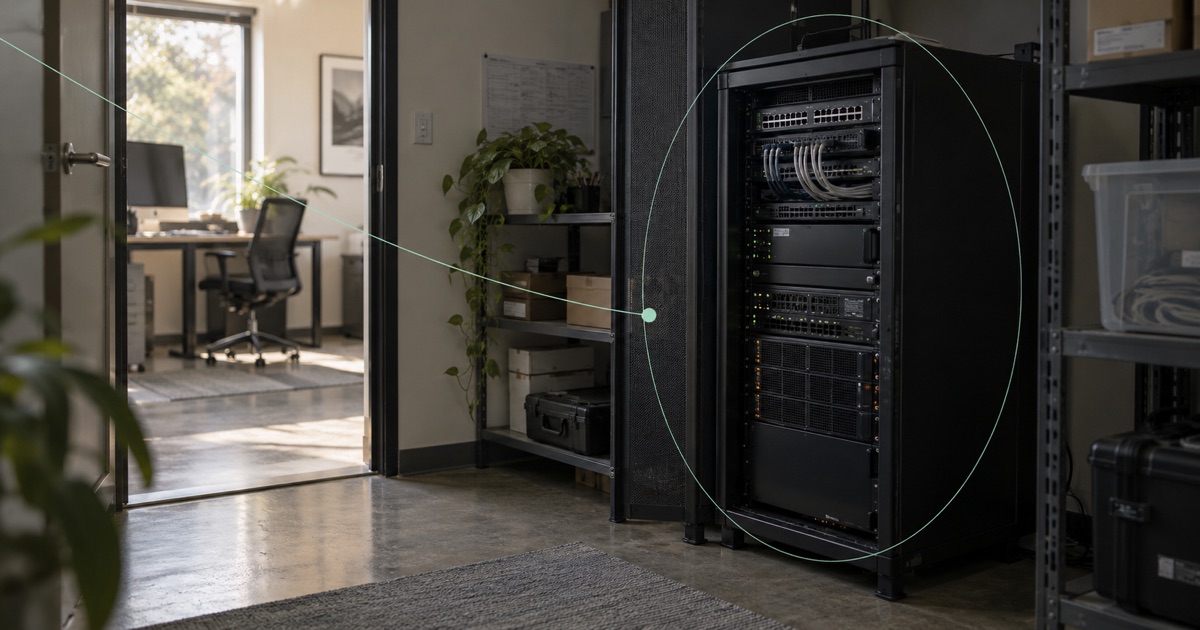
The server is doing its job. It has the right storage, sits close to the equipment it talks to, and runs an application the business depends on. The problem is that somebody outside the building needs to connect to it.
A supported server can receive a public IP over its existing internet connection without moving to another hosting provider. The deployment needs a supported device or gateway path, permitted inbound traffic and compatible reply routing.
Moving the server to a data center remains another option. Evaluate the connection requirement alongside the work of transferring data, rebuilding integrations and changing where the system is operated.
Choose direct public IP assignment or a gateway
For a supported endpoint, a public address can be routed directly to that device without address translation. The device then needs the appropriate routes and inbound firewall policy. This is different from simply opening a port on the office router.
For an existing local area network (LAN) target that cannot run the required software, a gateway can provide the connection. Depending on the supported arrangement, traffic may be forwarded or translated to the local service. The target keeps its local network relationship while the gateway handles the public-facing path.
These are different deployments. Do not assume that a direct assignment to a server and a gateway forwarding to equipment behave identically, especially when an application needs the original client address.
Verify the public request and its return route
A visitor sends a request to the public address. Getting that packet to the local target is progress, but the reply has to follow a compatible path back.
If the target replies through its ordinary ISP router while the incoming request arrived through a different delivery path, the connection may fail. A translated gateway arrangement can keep replies returning to the gateway, but address translation alone does not choose the gateway’s onward route through the tunnel.
Work through both directions. Check the target’s routes, the gateway’s forwarding behavior and the return routing policy. Test a complete application exchange, rather than just whether a packet arrives at the server. WireGuard’s routing and network-namespace discussion is useful background on how tunnel transport and routing decisions fit together.
Limit public access with service and firewall rules
A public Internet Protocol (IP) address identifies a network destination, not a protective wrapper around every service on a host. Inventory the listening services and define the allowed inbound traffic.
If the requirement is one application, say which protocol and port it uses. Keep management interfaces outside that exposure unless there is a separately approved reason and access policy. Update the target software and retain application authentication.
For a gateway that forwards to multiple LAN services, document the external port, local target and local port for each mapping. The gateway must support the configuration. A demonstration with one device is not proof of an unrestricted fleet-management service or every protocol on every kind of equipment.
IPv4 and IPv6 are deployment choices
Check what the clients can reach. An IPv6-only service needs visitors with working IPv6 connectivity, or a separately supported arrangement that bridges the requirement. Do not assume an IPv4 client can reach it directly.
Fibmesh Public IPs includes supported device and gateway address arrangements. Routed Subnets is a separate invitation-led managed service, outside the app MVP. IPv4 and IPv6 subnet allocations are separate. IPv6 sizes span /48 through /64, with stock, delivery location and terms agreed for the deployment.
A subnet allocation does not establish universal native-client support, automatic failover or floating-subnet orchestration. If you need those behaviors, make them explicit requirements and ask what is actually supported.
Read about Routed Subnets →Separate inbound access from outgoing internet routing
Inbound reachability and new outgoing internet traffic are separate routing choices. An inbound gateway does not automatically become the exit for every office laptop simply because it is connected to the LAN.
If you also need stable outgoing identity for LAN devices, their intended traffic must traverse the gateway under a supported routing arrangement. If you want a full internet tunnel, check the effect on local routes, DNS and both address families. State the behavior you want when the delivery path is unavailable; do not assume an advanced kill switch or automatic failover.
Prepare a public IP deployment brief
Describe the target and its owner, operating system, application protocol, required ports, current internet connection and the clients that must reach it. Include whether the server can run an agent, whether a gateway is needed, and whether you need IPv4, IPv6 or both.
A hardware connector is one deployment option. Fibmesh Edge hardware remains development or pilot work rather than a broadly available retail device. Use the supported method agreed for the service.
Keeping the server in place can be a sensible decision. The public address should make the intended connection possible without leaving the exposure, reply path or operating responsibility to guesswork.
Plan a Public IPs deployment →