Home / Products The Fibmesh products
Choose yourconnection. A private network. A public application. Your own IPs. A chosen internet exit.
Four ways to connect the world you already run—over your existing internet connections.
Meet the products ↓
01 / Private access Available
Your working world. Kept private.
Bring approved people, devices and resources into a private network across locations and providers.
Your device Fibmesh node Private resource Only the connections you permit. Your device → Fibmesh node → Private resource
You connect Supported computers, phones and servers. Gateways reach approved LAN resources.
02 / Apps & APIs Available
Your application. An HTTPS address.
Give a selected web app or API a public URL while it runs on your own infrastructure.
portal.fibmesh.example HTTPS gateway WireGuard connector Your app HTTPS gateway → WireGuard connector → Your app
You connect A connector beside the app or on its LAN. Visitors use a browser or API client.
03 / Public addressing Available
Your infrastructure. Publicly reachable.
Bring public addresses and routed subnets to infrastructure you control, with explicit traffic rules.
AN ADDRESS FOR YOUR INFRASTRUCTURE 203.0.113.20 Internet client Inbound rules Your server Internet client → Inbound rules → Your server
You connect A supported device or gateway; a customer router for a routed subnet.
04 / Internet routing Available
Your internet traffic. A chosen exit.
Route eligible traffic through a Fibmesh exit, with an agreed stable source identity where needed.
Your device Fibmesh exit Internet A deliberate path for eligible internet traffic. Your device → Fibmesh exit → Internet
You connect A supported endpoint or deliberately configured gateway. Current profiles use full-tunnel routing.
Connection illustrations · example addresses and hostnames Fibmesh does not require all four.
Make the choice clear
A small difference. Some jobs can be solved in more than one way. Start with the result you need.
01 / Sharing something A web URL or a public IP? Publish gives one HTTP application a public hostname. Public IPs gives your infrastructure an address, with supported protocols, firewall rules and routing choices.
Start with the app—or start with the address.
Compare Publish and Public IPs → 02 / Calling something Need a recognised source? Either Public IPs or Outbound can fit an agreed source-IP allowlist. Public IPs starts with an assigned address and routing mode. Outbound starts with a full-tunnel exit profile.
Choose the delivery model and traffic scope.
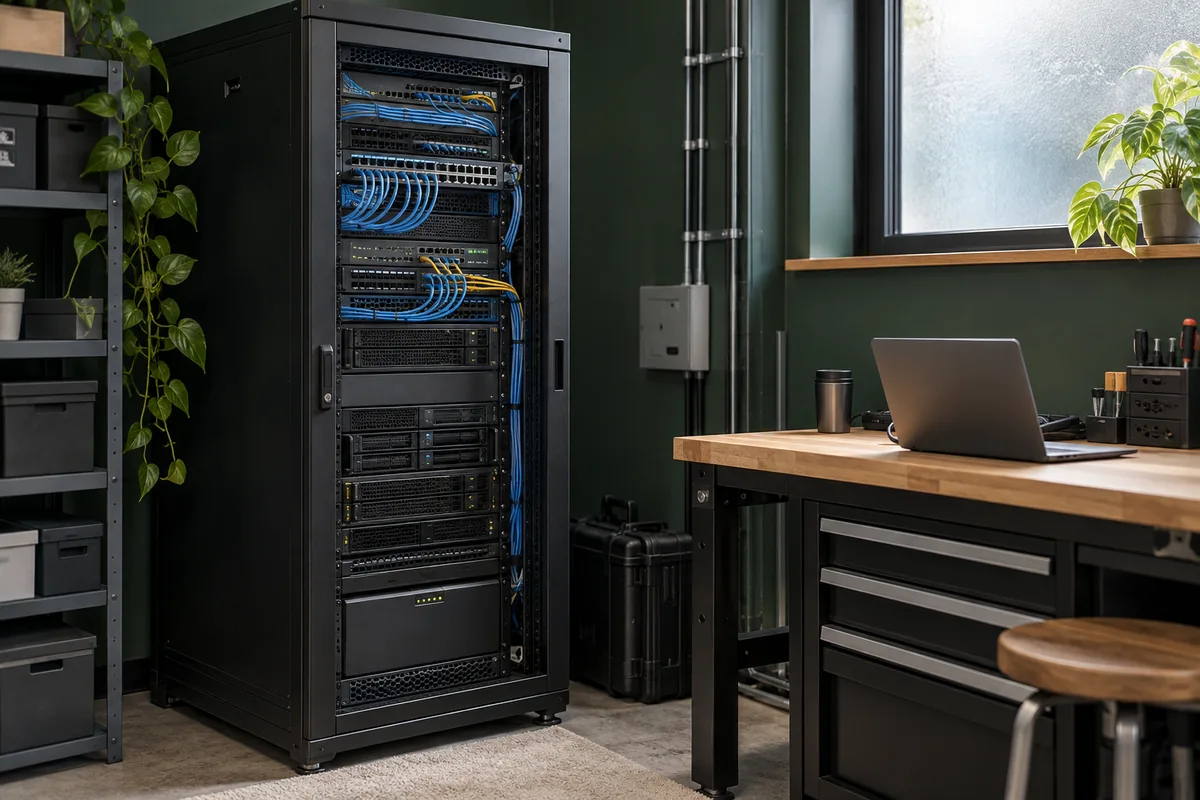
Compare Public IPs and Outbound → Illustrative setting · not a photograph of a customer deployment. One setup. Separate connections.
Same server. A company runs a customer portal on its own server. Each connection has its own job.
01 Keep administration private. Networks gives approved staff a private path. The application login still applies.
02 Give customers the portal. Publish provides an HTTPS URL for the selected app. Other services stay unpublished.
03 Give a provider a known source. Use Public IPs or Outbound when an external API requires an agreed source address.
Illustrative design. Each connection needs its own policy and compatible routing. One product may already meet your need.
Let’s find your starting point
Bring the setup you have. Tell us what needs to connect. We’ll confirm the product, supported devices, location and scope before arranging setup.
Explore device and gateway options →