Customer portal: the connector on the app host forwards to 127.0.0.1:3000. Replies follow the connection back through Fibmesh.
Example / Customer portal
A familiar way in for your customer.
Share a web address for the portal you already run. Customers sign in with the application’s account; they do not need a Fibmesh client.
Managed hostname
studio-portal.publish.fibmesh.example
Connector on the host
127.0.0.1:3000
Connector on the LAN
192.168.1.20:3000
Example / Integration API
An address the other system can call.
Give an integration a public HTTP endpoint. Validate API credentials and webhook signatures in your application before accepting the request.
Managed hostname
studio-api.publish.fibmesh.example
Connector on the host
127.0.0.1:8080
Connector on the LAN
192.168.1.30:8080
Example / Review preview
Let someone see the work in progress.
Share a selected preview with the people reviewing it. Use test data, protect access in the app and pause or remove the publication when the review ends.
Managed hostname
studio-preview.publish.fibmesh.example
Connector on the host
127.0.0.1:5173
Connector on the LAN
192.168.1.40:80
Illustrative addresses, not live services. .example is reserved for examples; the production suffix is not final. The connector must establish its WireGuard tunnel before visitors use the address.
Each publication pairs one hostname with one selected HTTP application and port. Pause one without changing its neighbours, or retarget it when the app moves. Verify the new destination before sharing.
For your visitorsA browser or API client.
For your applicationA public web URL of its own.
For your siteAn outward connector tunnel.
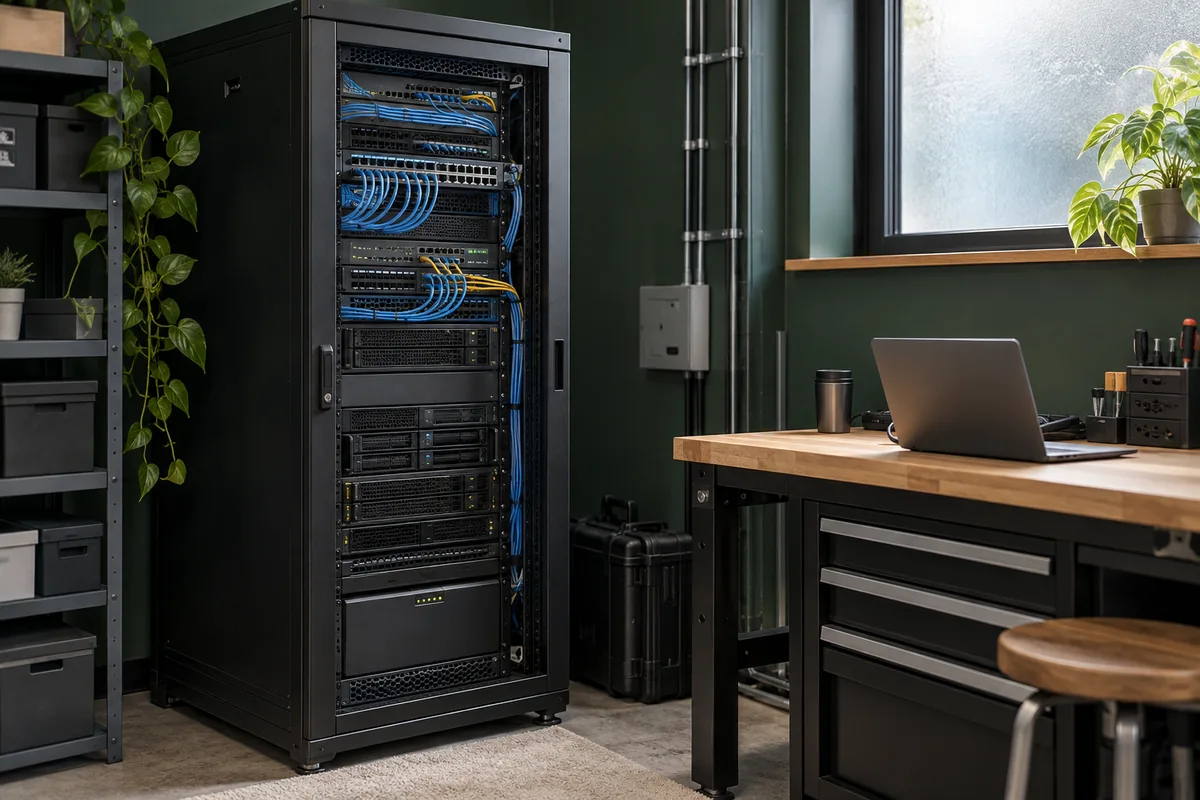
Illustrative setting · AI-generated scene.
Keep the app where it belongs
On your host. Or on your network.
Keep the application on the infrastructure you maintain. Place the connector beside the app, or on its LAN with a path to the selected service.
A public URL makes the app reachable. Its login, permissions, API credentials and webhook checks decide what a visitor can do. Fibmesh-managed visitor access is a planned extension.
02 / Connection security
Understand each part of the path.
Visitor HTTPS terminates at the Fibmesh gateway, which processes the request. WireGuard protects the connector tunnel. Use appropriate HTTP/HTTPS protection between the connector and the app, especially across a LAN.
03 / Product fit
Choose the connection the service needs.
Publish routes a selected HTTP app by hostname; each app does not need a dedicated public IPv4. Use Networks for private resource access, or assess Public IPs for address-level reachability and other supported protocols.
Do we need a static IP or router port forwarding?+
The connector initiates its tunnel outward, so the origin does not need a dedicated public address or an inbound router port-forward. Your internet path must permit the required WireGuard UDP traffic. CGNAT can work when that connection can be established and maintained; restrictive networks need testing.
Can we use a domain we already own?+
The core model uses a Fibmesh-managed subdomain for each publication. Custom domains are a planned extension with separate ownership, DNS and certificate requirements.
The app, its host, the background connector and their internet path must remain available. Closing an administrative terminal does not stop a persistent connector, but suspending the host can interrupt it. Publish does not supply application hosting or backups, and leaves the host’s ordinary outgoing route in place.
Will every application or device work?+
Confirm application and connector compatibility during setup. WebSockets, SSE and device web interfaces need application-specific checks. Raw TCP, UDP and local discovery are outside the web publishing model. Video streams and native clients can need other protocols. Separately marked proposals remain outside the released scope; CLI commands are proposed syntax.
Your first publication
Pick the app. Plan its public address.
Tell us what runs, where it lives and who needs to reach it. We’ll help confirm the right setup.