
Self-hosters / Your hardware, your audience
Run it where you want. Reach it how you need.
Keep services on hardware you control. Connect privately from your devices, or choose an appropriate public path for an outside audience.
Available with assisted setup. Confirm the supported devices, locations and connection scope before deployment.
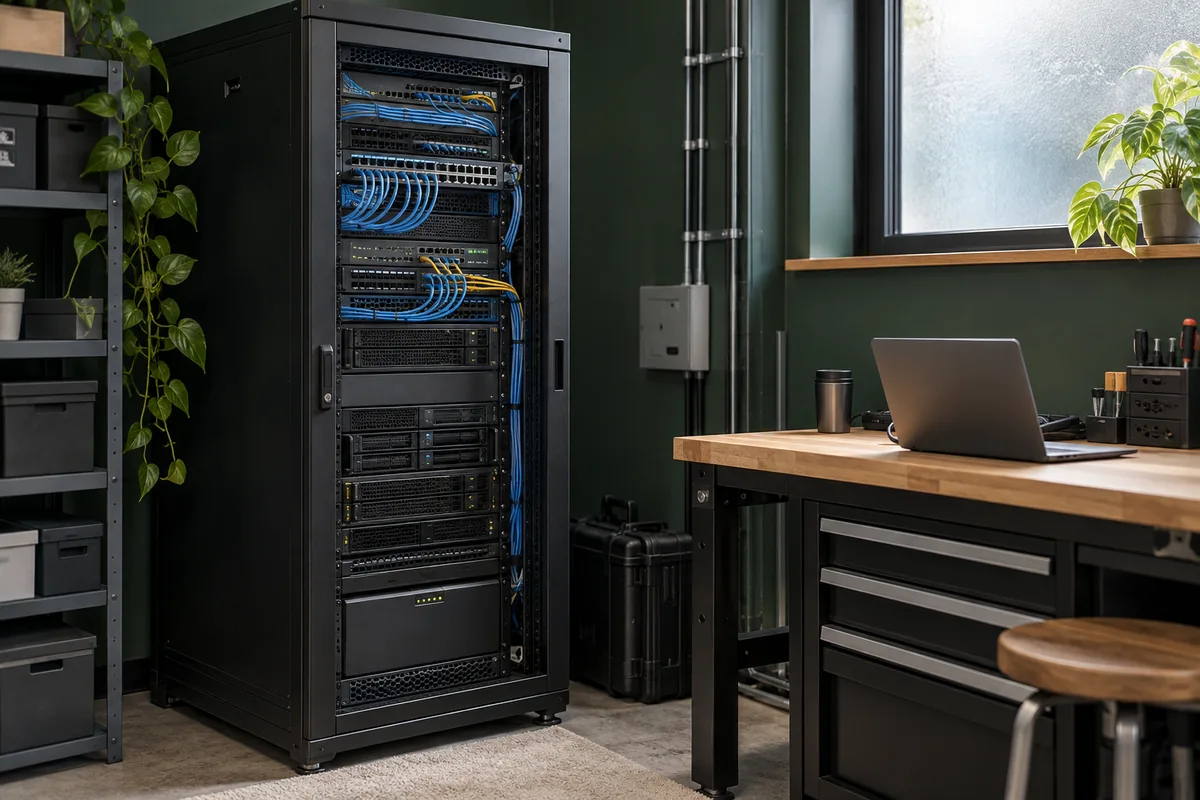
01 / Start with your server
The service stays home.
You choose its audience.
A NAS, small server or rented machine can run the services you value. Give your devices a private path to it, or deliberately open a selected service for visitors. Keep the administration path separate.
Your files do not need a public front door.
- Your laptop or phoneSupported enrolled device→WireGuard
- Fibmesh routing nodePermitted private path→WireGuard
- Home server / gatewayApproved service or LAN target
Reach a home dashboard, server or NAS privately while away. A gateway can reach supported equipment that cannot run an agent.
Behind a gateway, equipment keeps its local address. File permissions and application logins remain necessary; networking does not supply backups.
Explore private storage →Several apps. Separate links. One host.
- VisitorsChoose a public hostname→HTTPS
- Publish gatewayHostname selects the app→WireGuard
- Connected home serverTunnel to the host→App listener
- Web app A or BDifferent configured ports
Publish gives selected web applications independent addresses without exposing the server’s administration interface.
Only intentionally selected web listeners belong here; non-HTTP services need a different connection model.
Explore web publication →Run a service on your own hardware.
- Internet clientConnects to the assigned address→Service traffic
- Fibmesh public deliveryFirewall + serving location→WireGuard
- Your serverPublic IP delivered through the tunnel
Public IPs can deliver an address directly to a supported device without address translation. You choose the services allowed through.
Replies to incoming Fibmesh traffic must use the Fibmesh path. Unrelated outgoing traffic can retain the existing ISP route under the appropriate configuration.
Explore Device IPs →Tunnel delivery can work behind ISP NAT or CGNAT when the underlying connection allows the required WireGuard traffic. Test local network restrictions before relying on the path.
02 / Keep the hosting decisions
Your machine.
Your operating plan.
You keep choosing the hardware, software and people who can use it. The connection can reach a supported server directly or selected equipment through a gateway. Choose the placement that fits the service already in place.
Explore your own infrastructure →Direct / Supported host
Connect the server itself.
Run a supported agent on the host when its platform and privileges allow it. Identify the service listener, host firewall and local administrator before changing reachability.
Gateway / Existing LAN equipment
Keep the NAS where it is.
A supported gateway can provide a path to approved NAS and LAN targets that cannot run an agent. Equipment keeps its local address; verify the gateway’s target, route and return path.
Count the whole hosting job.
Connectivity is one part of running the service. Compare these responsibilities before moving a workload.
- 01Hardware and power
Include the server, disks, replacement parts and electricity. Choose capacity for the actual workload, rather than assuming a connection makes a small machine a cloud replacement.
- 02Internet and capacity
Account for the uplink, transfer needs and other people using the connection. Test the latency and bandwidth of a real session from outside.
- 03Software and maintenance
Keep application accounts, updates, certificates and monitoring with an owner. Fibmesh supplies connectivity; it does not migrate the workload or operate the application.
- 04Backups and recovery
Plan backups, restore checks and downtime. Keep a local administration path and record how to recover after a host, gateway or internet failure.
03 / Choose who can use it
Private tools.
Deliberate public services.
Start with the audience for one service. You can keep storage and administration private while choosing a separate public path for an application.
Compare the connection options →My enrolled devices → my resources
Keep everyday tools private.
Use Networks to reach a home dashboard, remote shell or files from supported enrolled devices. Permit the users and destinations that need the path, while keeping application and file permissions in place.
A remote NAS remains a routed service. Test the file protocol, locks and backup software you use; latency and bandwidth still shape the experience.
Plan private storage access →Outside visitors → one selected service
Choose a link or an address.
Compare links and addresses →Choose internet routing separately.
A public allocation and the host’s internet route are separate decisions. For a provider allowlist, compare an assigned public source with an Outbound exit. Current Outbound profiles use full tunnel, with one active profile per organisation; check the effect on the host’s other traffic and keep a recovery path.
04 / Your first working result
Your own server. A deliberate audience.
Start with a service you already run. Choose private access for your devices or an appropriate public path for outside users, keeping administration separate.
Explore your own infrastructure →- 01
Use it from outside
Open the known service from another internet connection. Read a representative file, use the dashboard or complete the application task; a connected tunnel alone is not the result.
- 02
Check who can enter
Verify the application login and intended audience. For private access, test an unrelated user. For public service access, confirm that administration and other listeners remain private.
- 03
Recover the host
Check reconnecting after a restart, the incoming reply path and any changed outgoing source. Keep a local way to administer the host and verify the recovery procedure.
05 / A practical first deployment
Choose the first service
people need.
Begin with something you already run and know how to administer. Record the listener, audience and local recovery method before extending its reach.
- 01
Check the service locally
Confirm the intended address and port work. Decide whether the service is private, public, or private for administration with a separate public listener. Keep the application credentials you already need.
- 02
Choose direct or gateway delivery
Use a supported agent on the server, or a supported gateway for equipment that cannot run it. Record local routes and firewall settings before changing them. Confirm the target and return path.
- 03
Test from another connection
Try the real client off site. Check login, incoming rules, outgoing source where relevant and recovery after a restart. Expand to another service only when this path is understood.
Keep application credentials and access decisions with the service.
Read the security boundaries →06 / Questions, answered
Before you connect.
Can this work behind ISP NAT or CGNAT?
Tunnel delivery can provide reachability without a conventional inbound port forward on the ISP router, provided the underlying connection permits the required WireGuard traffic. Local network restrictions still need testing.
Will moving out of a cloud always save money?
No. Include hardware, power, uplink capacity, maintenance, backups and downtime in the comparison. Fibmesh addresses connectivity; it does not migrate data, add compute capacity, provide backups or guarantee uptime.
Can I get an IPv6-only assignment or a whole subnet?
Public IPs includes address-family choices. Routed Subnets is a separate invitation-led managed service for IPv4 or IPv6 allocations, with IPv6 sizes from /48 through /64. Confirm the deployment scope; this does not imply self-service prefixes or automatic failover. IPv6-only service needs an explicit policy for IPv4 traffic. Explore Routed Subnets.
Does private access make a remote NAS feel like a local disk?
It provides a routed path, not local-disk performance or a broadcast LAN. File transfers depend on latency and bandwidth; sharing protocols, file locks and backup software still matter. Test a representative file task from the connection you will actually use.