
Deployment options
Connect a device. Or the resources behind a gateway.
Run supported software on a device or server, or place a gateway beside approved site resources. Choose the deployment that fits your equipment and the connection.
Check availability ↗01 / Start with the resource
Where can the connector run?
Deployment determines how a resource participates. The product determines what it can do. A connection method does not grant every product capability.
Give the device its own enrollment.
- Laptop or serverSupported app / agent→Local permission
- Local networking serviceApplies approved policy→WireGuard
- FibmeshDevice identity and connection
Use direct enrollment when the supported software can run on the resource itself.
A desktop app provides the interface; a local executor makes privileged changes. Headless servers need a supported unattended runtime. Mobile features depend on the operating system.
One gateway can provide a path to several approved resources.
- Fibmesh routing nodePrivate network path→WireGuard
- Customer gatewayApproved routes and forwarding→Scoped LAN access
- LAN equipmentServer, NAS, printer or IoT
Equipment behind the gateway keeps its existing local address and software.
It does not become individually enrolled just because the gateway joins. Approve the destination range and provide a return route or supported source NAT. Drivers and application accounts are still needed.
Bring a connector to equipment that cannot run one.
- Fibmesh public deliverySelected public ports→WireGuard
- Fibmesh Edge devicePreconfigured connector→Mapped target ports
- LAN targetOne approved resource in the original POC
The original customer POC used a preconfigured device on the existing LAN to reach one target; configuration was performed remotely.
Multiple public ports can map to different approved targets in separately supported gateway deployments; this is distinct from the original single-target POC. Replies to Fibmesh-delivered requests return through Fibmesh. Ordinary LAN internet traffic keeps its ISP route; outbound routing needs explicit gateway or route configuration. Hardware remains development/pilot.
Private access, a public application, public addresses and internet routing are different outcomes. Confirm the chosen product, connection method and release for the exact environment.
02 / Direct enrollment
The resource gets its own identity.
A supported native app or headless agent enrolls the device. Joining another private access group changes membership; it does not create another device identity or private address.
Computers & mobile devices
The app provides enrollment and visible connection state. A local, platform-specific networking runtime applies authorised settings; the UI does not make privileged network changes directly.
Confirm the exact operating system and release. Permissions, background execution and VPN behaviour differ between mobile and desktop systems.
Servers, VMs & workloads
A supported headless agent can run without a desktop session. Confirm service installation, local privileges, credential storage, boot behaviour and recovery after a restart.
Native software can refresh policy and report local results where implemented. Installation and operation must match the capabilities of the actual release.
Container and mobile deployment boundaries
A container needs an appropriate network namespace and permissions. Installing on the host does not automatically enroll every container. A network sidecar is a topology choice, not evidence of a supported Kubernetes release.
The current v1 platform intent excludes iOS and Android as public ingress targets. Phone VPN support does not establish support for hosting the same public service as a supported server.
03 / Gateway placement
Keep the equipment. Approve the path.
A customer gateway can reach approved LAN or cloud-subnet resources, including servers, NAS storage, printers, NVRs or IoT equipment. The gateway needs its own enrolled identity and permission to forward.
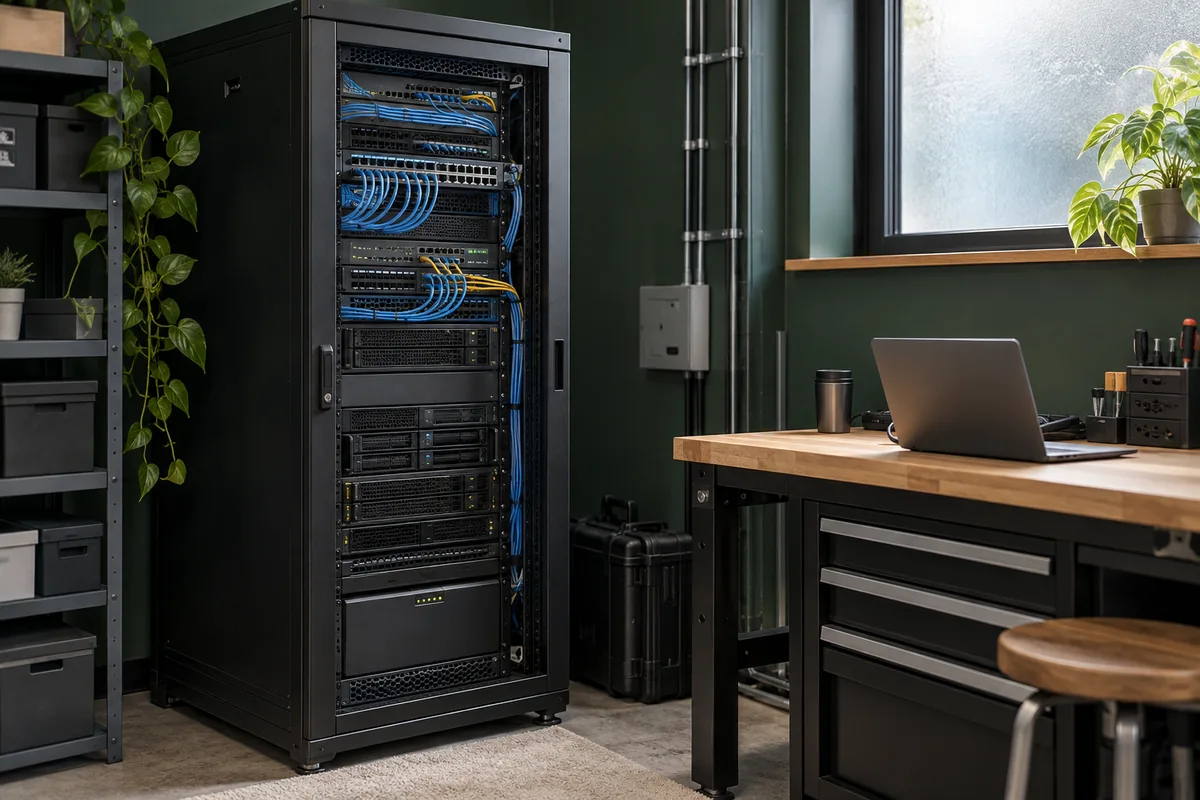 Keep the resource where it belongs.
 Bring the permitted connection to it.
Choose destinations explicitly.
Define the permitted resources or destination ranges. Equipment keeps its LAN address and does not become individually enrolled because it sits behind the gateway.
Give replies a working route.
The target needs a valid route back to Fibmesh addresses or assessed source NAT at the gateway. Source NAT can hide the original client source from the target; NAT alone does not select the tunnel reply route.
Check the application too.
Routed reachability does not supply drivers, application accounts or certificates. Broadcast discovery and “same Wi-Fi” behaviour are separate from reaching an approved service.
A Fibmesh routing node carries the service-side connection. A customer gateway reaches your network. A physical Fibmesh Edge device can host a connector or gateway role. These roles are different; hardware is not another public product.
See public access through a gateway →04 / Manual WireGuard profiles
Choose Compatibility Mode deliberately.
An assessed manual profile can connect supported equipment that does not run a managed Fibmesh app. Generic WireGuard capability on a router does not confirm universal Fibmesh support.
Supported managed software
A local executor follows policy.
Native apps and agents can refresh authorised configuration and report local results where implemented. Policy, diagnostics and route or DNS management depend on the product and platform release.
Assessed Compatibility Mode
A configuration needs an owner.
Generate private keys locally and enroll only the public key through the approved process. Manual profiles have limited policy refresh, diagnostics and route and DNS lifecycle compared with native managed software.
Name the owner before installation.
Record who installs the profile, updates configuration, removes it locally and revokes access at the service boundary. Verify that the limits and removal procedure fit the resource before using this mode.
05 / Before setup
Make the network change reviewable.
Agree the destination, privileges and operating owner before changing routes. Keep a way to recover if the new path fails.
Scroll sideways to compare deployment requirements. Focus the table and use the arrow keys on a keyboard.
| Check | What you need to know |
|---|---|
| Resource and owner | Which device, service or destination range is involved, and who authorises it? |
| Software | Is there a supported package and capability for the exact OS, appliance or host? |
| Existing routes | Are there overlapping LAN ranges, other VPNs, cloud routes or security groups? |
| Reply path | Can the target return traffic correctly? Is source preservation required? |
| Names and applications | Are DNS, application accounts, certificates and any required drivers configured? |
| Operations | Who handles upgrades, failures, key protection and retirement? |
Test the application, then the lifecycle.
Evaluate permitted access, denied access, restart and reconnect, and removal. Check ordinary ISP traffic as well as the new path. A working handshake alone is not a complete application test.
Check software and release information →Deployment questions
Fit the connection to the environment.
The right connector depends on the resource, its network and the capability you need.
Do we need Fibmesh hardware?
Not for every deployment. Supported devices can join directly, and a suitable supported gateway can connect a site. Fibmesh Edge hardware remains development/pilot; it is a deployment option, not a mandatory purchase.
Can a printer or scanner work across the private network?
Routable services can be reached through an approved gateway path. The application still needs the appropriate protocol, driver and account. Broadcast discovery and “same Wi-Fi” behaviour are not automatically carried across a routed network.
Can we connect several clouds without moving applications?
Use supported agents or gateways in the relevant environments and approve the required paths. Check address overlap, cloud firewalls, return routing and provider egress costs. Dedicated cloud circuits and automatic failover are separate capabilities, not implied by this design.
Confirm the connection method before setup.
Read the connection-method reference →