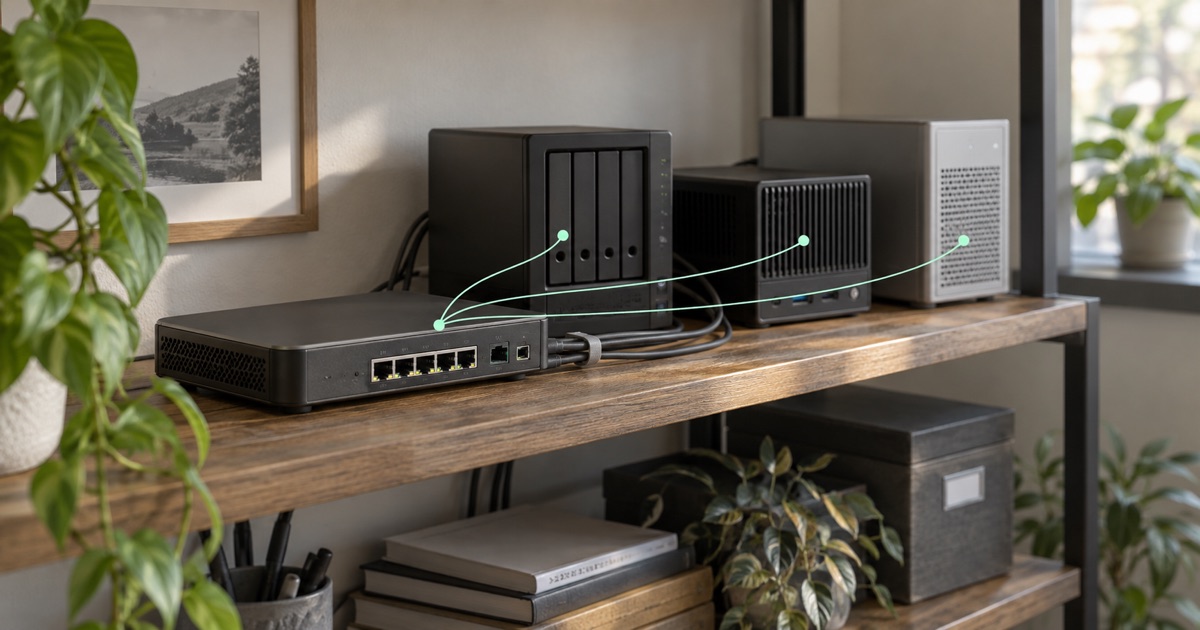
Three servers sit on the same local area network (LAN). Each runs an HTTPS service on TCP port 443. A partner needs access to one application, another team needs a second application, and a supplier needs an SSH File Transfer Protocol (SFTP) endpoint. You have one public IPv4 address at the gateway.
One public IP can serve several LAN targets through port forwarding when each mapping has a unique public address, transport protocol and external port. The gateway must support those mappings, with firewall permission and compatible return routing for every target. Write the mapping table before adding rules.
Give each port-forwarding mapping a unique public entry
Port forwarding uses network address translation (NAT), specifically destination NAT (DNAT), to change the destination address or port. The public address, transport protocol and external port identify a mapping. Two servers cannot both own the same entry without another selection mechanism.
The external port does not have to match the service’s local port. Here is a hypothetical plan using a documentation public address and private LAN addresses:
Scroll the table to see every column.
| Public entry | LAN destination | Intended service | Configuration owner |
|---|---|---|---|
| 203.0.113.24 · TCP 8443 | 192.168.20.10 · TCP 443 | Partner application | Application team |
| 203.0.113.24 · TCP 9443 | 192.168.20.20 · TCP 443 | Supplier application | Operations team |
| 203.0.113.24 · TCP 22222 | 192.168.20.30 · TCP 22 | Partner SFTP | File-transfer team |
These are planning examples, not addresses or ports to copy into a live deployment. The two HTTPS servers keep listening locally on 443. Clients use different external ports. SFTP uses an explicit external SSH port, with SSH authentication and file permissions still required.
The nftables project’s multiple-NAT mapping example shows how an external port can select a destination address and port. That mechanism does not establish that a particular gateway product supports the configuration.
Separate port mappings from inbound firewall permission
Add the permitted callers to the plan. If the SFTP partner has agreed source ranges, restrict the entry accordingly. A mapping describes where traffic goes; the firewall determines whether it may go there.
Treat TCP and UDP (User Datagram Protocol) as separate requirements. An application using both needs both assessed. Do not add UDP because a TCP test failed, or assume a browser-based configuration screen represents every connection the equipment makes.
Inventory reserved platform and management ports before choosing entries. Keep gateway administration private where appropriate. Changing an external port is a routing convenience, not authentication and not a reliable way to conceal a service.
Check application ports, hostnames and protocol behavior
Some clients let users enter an alternate port. Others assume a fixed destination or advertise additional addresses and ports during a session. Document those behaviors before committing to a mapping.
For HTTPS, plan the hostname and certificate as well as the port. Port translation does not issue certificates or select a backend by hostname. If several browser applications must share port 443 at one address, an application-aware proxy may be appropriate. Plain NAT does not supply that routing layer.
Test the actual task: login, file transfer, API call or streaming workflow. A successful landing page proves that page loaded. It does not prove a later data connection reaches the right host.
Partner application
- 203.0.113.24 : 8443TCP · public entry
- Gateway mappingDestination NAT: 8443 → 443
- 192.168.20.10 : 443HTTPS · private target
Supplier application
- 203.0.113.24 : 9443TCP · a different public entry
- Gateway mappingDestination NAT: 9443 → 443
- 192.168.20.20 : 443HTTPS · private target
Partner file transfer
- 203.0.113.24 : 22222TCP · another public entry
- Gateway mappingDestination NAT: 22222 → 22
- 192.168.20.30 : 22SFTP · SSH account permissions
Hypothetical mappings, using documentation and private addresses. Each public address + protocol + external port selects one local destination. Firewall permission and compatible replies are needed for every row. Gateway support and configuration must be agreed during deployment.
Verify the LAN reply route and tunnel return policy
The gateway must reach every target at a stable LAN address. The targets must return replies through a compatible path.
A LAN-side source NAT (SNAT) arrangement can make each target reply to the gateway instead of its usual internet router. That also means the target may record the gateway as the caller. If you need original client addresses for logs or source-based permissions, agree a different return-route design and test it.
The gateway still needs the correct onward tunnel policy. The nftables manual describes source and destination translation; neither operation alone decides which interface carries the response. Keep unrelated new outgoing connections separate from replies to these forwarded sessions.
Confirm the supported gateway scope
Fibmesh Gateway IPs can use supported gateway software for agreed public access arrangements. WireGuard is the current tunnel protocol. A router advertising WireGuard capability is not automatically a supported Fibmesh gateway.
The operator-assisted Fibmesh Edge proof of concept demonstrated forwarding to one target. It is evidence for that connection pattern, not proof of released multi-target portal automation. The multi-server plan here is educational configuration planning that needs an assessed implementation. Edge hardware remains development or pilot work.
Give every row an owner, approval and removal process. Test from permitted and denied origins, then record the observed target and source. When a server is retired, remove the public entry as well as the machine. A small mapping table kept current is more valuable than a long ruleset nobody can explain.
Review Gateway IPs delivery and traffic options →