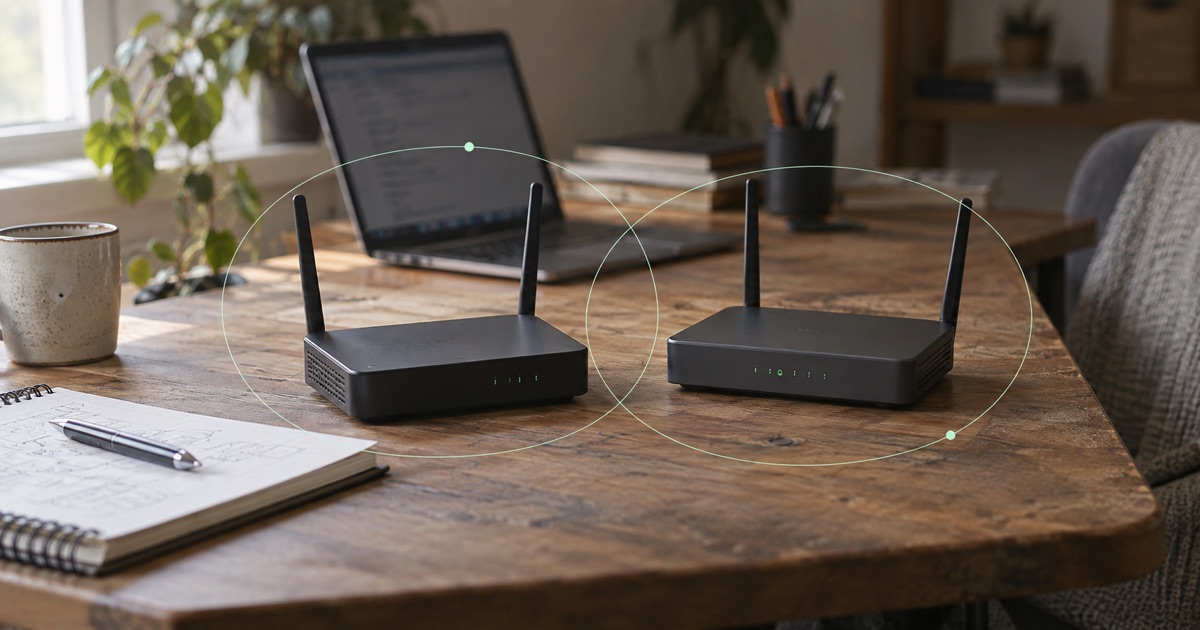
Office A has a file server at 192.168.1.20. Office B has a printer at the same address. Both use 192.168.1.0/24. While the offices are separate, each address has a clear local meaning.
When overlapping private subnets share a routing context, the destination address cannot identify which site you mean. A tunnel or two hostnames cannot resolve that ambiguity by itself. Assess renumbering, direct enrollment of supported resources or an explicitly supported translation design before approving routes. A more specific route can choose one destination, but cannot make both machines distinct at the same address.
This hypothetical example uses private addresses to show the ambiguity. Do not apply its ranges without checking your existing networks.
Office A · 192.168.1.0/24
- File server192.168.1.20
- Remote user’s intended targetThe user needs this office’s file service.
Office B · 192.168.1.0/24
- Local printer192.168.1.20
- Client’s local routeA packet for the same IP may stay on this LAN.Check this route
Private IPv4 ranges can be reused in isolated networks. Once access spans sites, the routing context must distinguish the destination. Names alone do not fix this conflict; Fibmesh does not promise automatic overlap correction.
Private does not mean globally unique
RFC 1918 reserves private IPv4 ranges for reuse and discusses the difficulties that arise when separately addressed networks are combined. A private address only has to be unique within the routing context where you use it.
That is why two unrelated offices can legitimately use the same range. It is also why approving both ranges inside a shared routing arrangement needs careful design.
Inspect the client, cloud networks, office LANs and gateway-side networks before adding routes. A conflict can involve a traveler’s home Wi-Fi as easily as a second company office. Keep the mask with every address: 10.20.0.0/16 and 10.20.4.0/24 overlap even though the strings are different.
Why the client may choose its local subnet route
A laptop in Office B already has a connected route for 192.168.1.0/24. If it tries 192.168.1.20, the operating system may send the request onto the local LAN. No request reaches the tunnel, so a healthy tunnel cannot rescue it.
Installing another route to the same prefix does not make the application choose between the two servers by location. Route preference can select one path, but the destination is still ambiguous in that routing context.
A more specific host route might direct 192.168.1.20/32 toward Office A. That can help in a carefully assessed arrangement, but it also displaces access to the local host at that address. It is not a way to reach two different machines simultaneously by the same IP. Applications, local routing rules and platform behavior also need verification.
Why different hostnames do not resolve address overlap
Suppose files.office-a.example.com and printer.office-b.example.com are illustrative internal names. If both resolve to 192.168.1.20, the names express the user’s intention while producing the same routing problem.
A name can be part of a solution when the underlying delivery presents distinct reachable destinations. Merely creating two records cannot add location context to ordinary IP routing. Keep private workspace DNS and the approved network path aligned.
The same distinction applies to individually enrolled devices. Their managed internal identities can be useful in a supported design, but they do not automatically make every overlapping downstream LAN resource distinct. Enrolling a gateway is not equivalent to enrolling each machine behind it.
Compare renumbering, direct enrollment and translation
Renumbering one site creates a clear long-term addressing plan, provided you control that site and can coordinate its dependencies. Inventory static addresses, DHCP reservations, firewall rules, monitoring, application configuration and devices with hard-coded peers. Moving the router’s subnet without that inventory can interrupt more than the remote-access task.
For a supported application server, direct enrollment may provide an alternative to advertising the whole site range. Verify the service’s listening addresses and its other connections before treating that as an answer.
An assessed translation design can present a distinct address on the remote side. Translation brings its own mapping, logging and protocol constraints; applications that embed addresses can complicate it. It requires explicit support and operator ownership. Fibmesh does not promise automatic overlap correction or arbitrary translation layouts.
Sometimes the safest first deployment is to connect one approved resource and leave the conflicting site route unadvertised. A narrower job may be supportable while a broader site connection needs more planning.
Test remote and local access before approving routes
For Fibmesh Networks, supported subnet access requires an assessed gateway, approved ranges and overlap checks. A logical network across locations does not establish automatic site-to-site routing or a flat broadcast domain. Confirm the supported gateway and endpoint release rather than assuming every router and client implements the same behavior.
Test from the affected location. Can the permitted user reach the intended remote service? Can they still reach the local resources they need? Does the reply return through the agreed path? Does an unapproved device remain denied?
Record the route, target owner and any translation mapping in one inventory. When another office or cloud environment joins, compare its full ranges with that inventory before approving access. An address plan becomes useful when it tells the next operator which destination an address means, rather than leaving that discovery to a timeout on someone’s laptop.
Review how supported site resources join Networks →