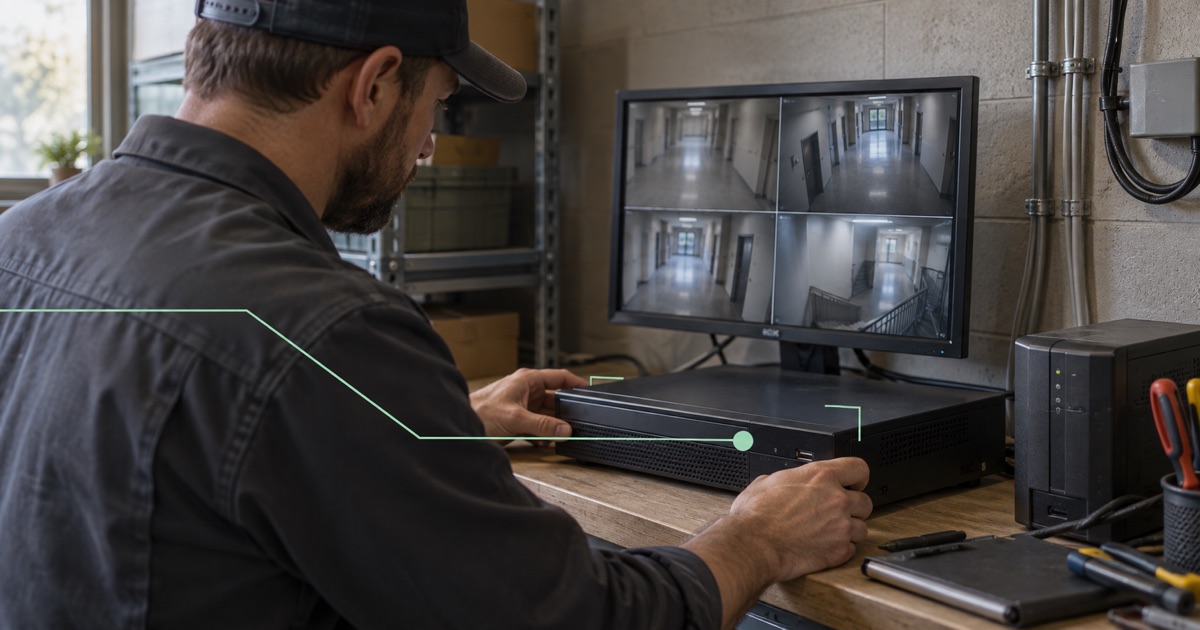
A customer reports that a controller’s browser interface is failing. Your engineer knows the model and the likely fault, but nobody has agreed how the engineer should reach it.
Before choosing a connection, document the approved task, engineer, target service, permissions, request and reply paths, test and removal owner. A supported direct device or gateway connection should reach only what the job requires. Have the customer approve its scope and lifetime separately from any permission to restart equipment or change a production process.
1. Record the support task and customer approval
Record the customer contact, equipment owner, engineer, task and expected maintenance window. Ask whether the task is observation, configuration or a change that can interrupt service. Connectivity approval is not automatically approval to restart a machine or alter a production process.
In a hypothetical installation, an engineer needs the HTTPS diagnostics page of a controller at 10.85.7.40. They do not need the building router, neighboring controllers or the customer’s file server. The private address illustrates the brief; real targets and protocol details come from the customer’s inventory.
For equipment involved in physical operations, coordinate the work with the customer’s responsible operator. A working network path does not establish that a remote action is appropriate for the machine’s current state.
2. Separate customer access and engineer identities
Separate customer environments in the agreed workspace and policy design. Do not infer that membership in a vendor’s network grants access to every customer deployment. The NIST Zero Trust Architecture focuses on users and resources rather than assuming trust from network location; that principle is useful when scoping support access.
Prefer an individually enrolled supported engineer device over a shared identity. Record the customer-side target or gateway and the explicit permitted relationship. Fibmesh uses backend policy as the source of truth, with supported native software executing authorized policy locally.
Check workspace switching in the operating procedure. The current model has one active workspace profile. Do not build an engineer’s workflow around simultaneous connections to several customer workspaces without verified support.
3. Assess the direct device or gateway connection
If the target can enroll directly in a supported environment, evaluate that path. For equipment unable to run an agent, assess a supported gateway and the approved local area network (LAN) resources behind it.
Collect the gateway environment, target subnet, existing routes and potential overlaps. An engineer’s home network can conflict with a customer range; two customers can use identical ranges too. Have the customer confirm what the gateway can reach locally and what must remain inaccessible.
A compatible tunnel on an arbitrary router is not proof of a supported Fibmesh gateway deployment. Edge hardware remains development or pilot work until its release is verified. A single-target proof of concept also does not establish unattended fleet support, universal equipment compatibility or every vendor protocol.
Review the supported gateway boundary →4. Verify request and reply routing
For the example controller, record how requests arrive and how replies return. If the controller uses its ordinary LAN router for unknown destinations, the approved tunnel path may require an assessed return route or supported source network address translation (NAT).
Source NAT changes the client address the equipment sees. Ask whether that affects its local audit records, address restrictions or troubleshooting. Do not assume translation preserves the engineer’s original source identity.
Check the actual protocol. Some maintenance tools depend on broadcast discovery, multiple connections or addresses embedded in their messages. A routed connection to one known HTTPS endpoint does not prove those tools will work. Test the required workflow with the customer before promising the support method.
5. Retain equipment accounts and application security
Use an individual equipment account where the system supports one, with permissions suitable for diagnostics. Keep its supported application encryption and certificate checks. A tunnel protects its transport legs; it does not upgrade an unencrypted LAN protocol or patch the controller.
Agree how credentials will be issued and revoked. Keep private keys and access tokens out of tickets and support bundles. A support engineer needs a reproducible path, not a copy of the customer’s entire secret inventory.
Test permitted diagnostics and a denied neighboring target. Confirm recovery access for the customer if the support path fails. Do not assume automatic failover or a managed operational guarantee from the presence of a gateway.
6. Revoke temporary access after support ends
When the work ends, record the outcome and any remaining change request. Remove temporary network permission, equipment accounts and credentials through the supported administrative process. Verify denial from the former engineer device and check the behavior of existing sessions.
If ongoing support is required, define its review schedule and owner instead of silently keeping an emergency grant. The customer should know who can connect and why.
The brief should fit in a ticket: approved task, people, target, protocol, path, restrictions, test evidence and removal owner. That is enough to make the next support session repeatable while keeping customer-specific decisions visible.