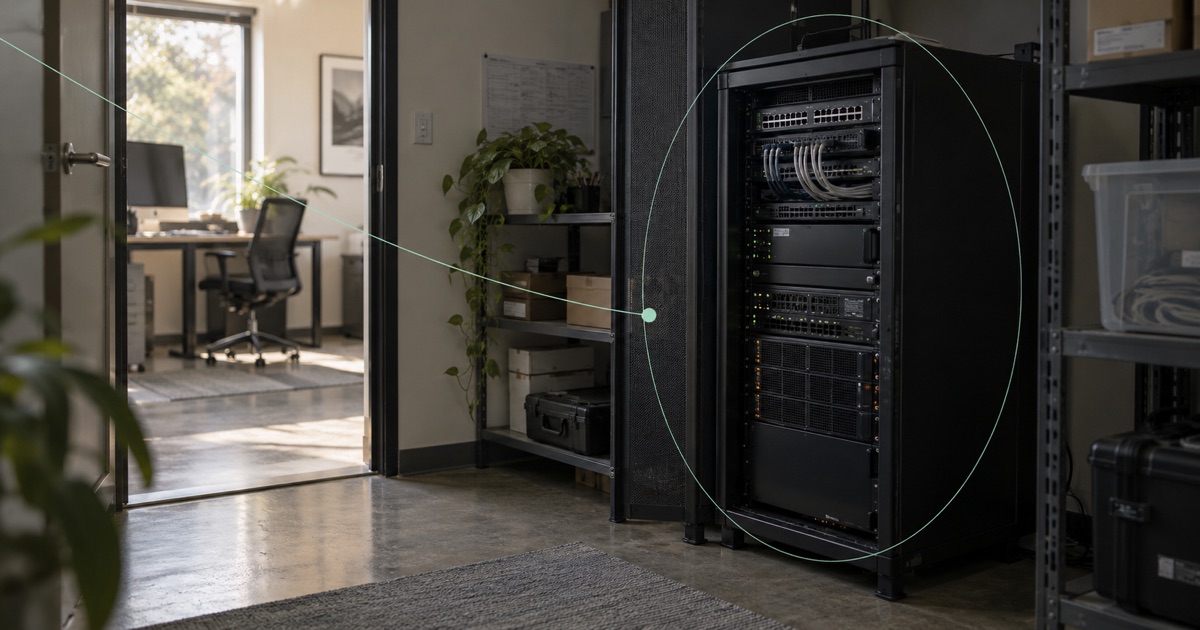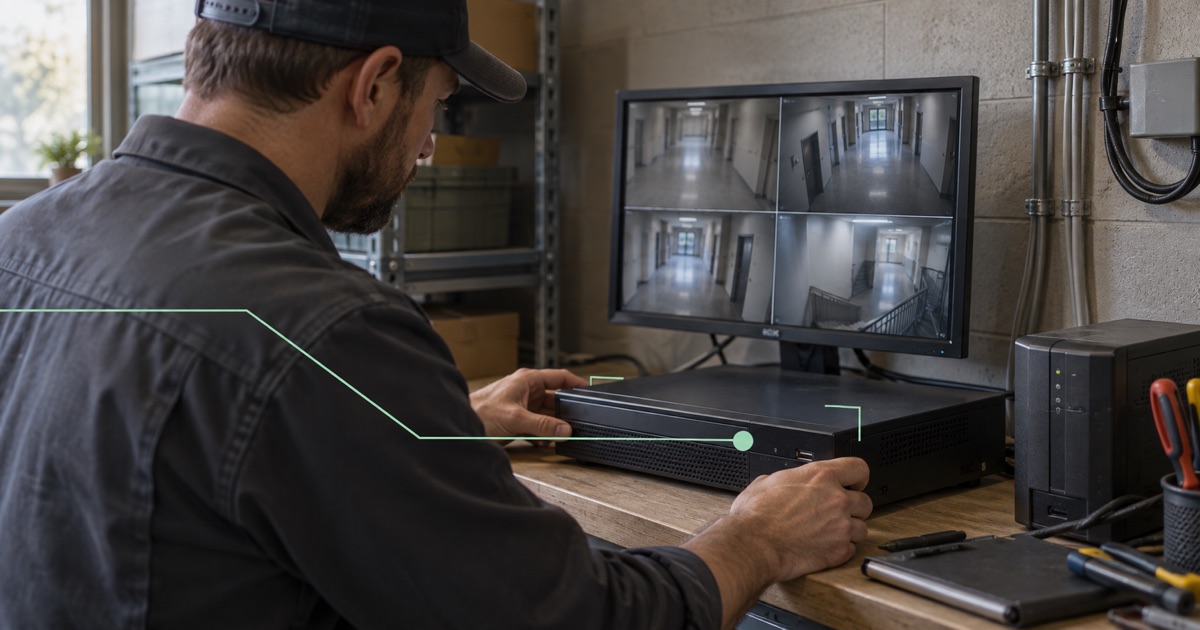
A technician needs to inspect a network video recorder (NVR) at a customer site. It works from the local network, but the technician is elsewhere.
For a known service team, assess private access to the approved recorder service through a supported gateway. Use public reachability only when the required external client needs it, with explicit ports and permitted sources. Keep the recorder’s administration screen outside any public viewing service. The technician’s task and the intended audience should decide the connection.
Prefer a private maintenance boundary when it fits
For a known service team, assess private access to the approved recorder or management service through a supported gateway. The technician needs permission for the resource and appropriate application credentials. Joining a private network should not give unrestricted access to the customer’s local area network (LAN).
Fibmesh Networks is the relevant private-access product. Equipment behind a gateway retains its local identity and address; it is not automatically enrolled as a separate native endpoint. Confirm the gateway, target reachability and supported protocol for the actual site.
Network permission does not establish application trust. NIST’s Zero Trust Architecture explains why network location alone should not grant trust. Keep the recorder’s accounts and roles aligned with what the technician is allowed to do.
If an external system genuinely requires a public destination, assess Public IPs with an explicit service and permitted-source policy. That is a different boundary, with different exposure to operate.
Check recorder firmware, accounts and existing access
Record the model, firmware, support status and service owner. Confirm whether updates are available and how to recover if an update fails. A gateway can deliver packets to an old service; it cannot repair the vulnerabilities in that service.
Replace universal default credentials, use individual accounts where the equipment supports them, and remove installer access when the job ends. Enable stronger authentication where available without inventing capabilities the recorder does not have. The consumer-IoT baseline ETSI EN 303 645 provides useful background on default passwords and software maintenance; citing it does not assert certification for the equipment or deployment.
Inventory existing access too. A router forwarding rule, vendor relay feature or automatic port-opening setting may already provide a path. Decide which arrangements remain approved rather than adding a new route while forgetting the old ones.
Test live viewing, playback and footage export
Recorder access may involve several functions: configuration, live viewing, playback and downloading footage. They can use different connections or protocol behavior.
Read the vendor documentation for the exact model and client. Identify required TCP and UDP ports, whether the client can use alternate external ports, and whether the service advertises local addresses. Do not forward an entire port range merely because one viewing mode failed.
Test the intended workflow from the intended client network. Include playback or export if that is the actual job. Assess upload capacity at the site for the requested video use. A reachable address does not provide additional broadband capacity or guarantee stream quality.
Verify gateway reachability and the recorder’s reply path
Where the recorder cannot run the required software, a supported gateway can connect to its existing LAN address. Give the target a managed stable address and confirm that the gateway can reach the specific service.
In a plug-in gateway design, destination network address translation (NAT) sends permitted public traffic to that target. LAN-side source translation can bring responses back to the connector while the recorder keeps its existing default router. The connector must then return those responses through the agreed tunnel path.
That translation may make the recorder see the connector’s LAN address instead of the remote client. Check how this affects logs and source-based restrictions. A one-port connector also does not isolate the recorder from the rest of the LAN or redirect unrelated outgoing traffic automatically. Isolation and outbound policy require a separately assessed topology.
Confirm the supported gateway and commissioning scope
Fibmesh’s operator-assisted Edge proof of concept demonstrated public forwarding to one target on an existing LAN. The customer connected the prepared device to Ethernet and power; the operator configured the target. It supports the feasibility of that arrangement, not universal recorder compatibility or released multi-target fleet automation.
WireGuard is the current delivery tunnel protocol. A generic WireGuard router is not automatically a supported gateway, and Fibmesh Edge hardware remains development or pilot work rather than a broadly released retail appliance.
Before commissioning, name the site owner, technician audience, target service and revocation process. Verify permitted access and rejection from an unapproved origin. Keep a local recovery method and avoid sending passwords, private keys or footage in routine support diagnostics.
A remote-access job is complete when the right operator can perform the approved task, the rest of the equipment stays outside that grant, and someone can remove the access cleanly. Choose the address only after that boundary is clear.
Evaluate private equipment access through a gateway →